

How to Use ChatGPT to Analyze Your Mix and Make It Better




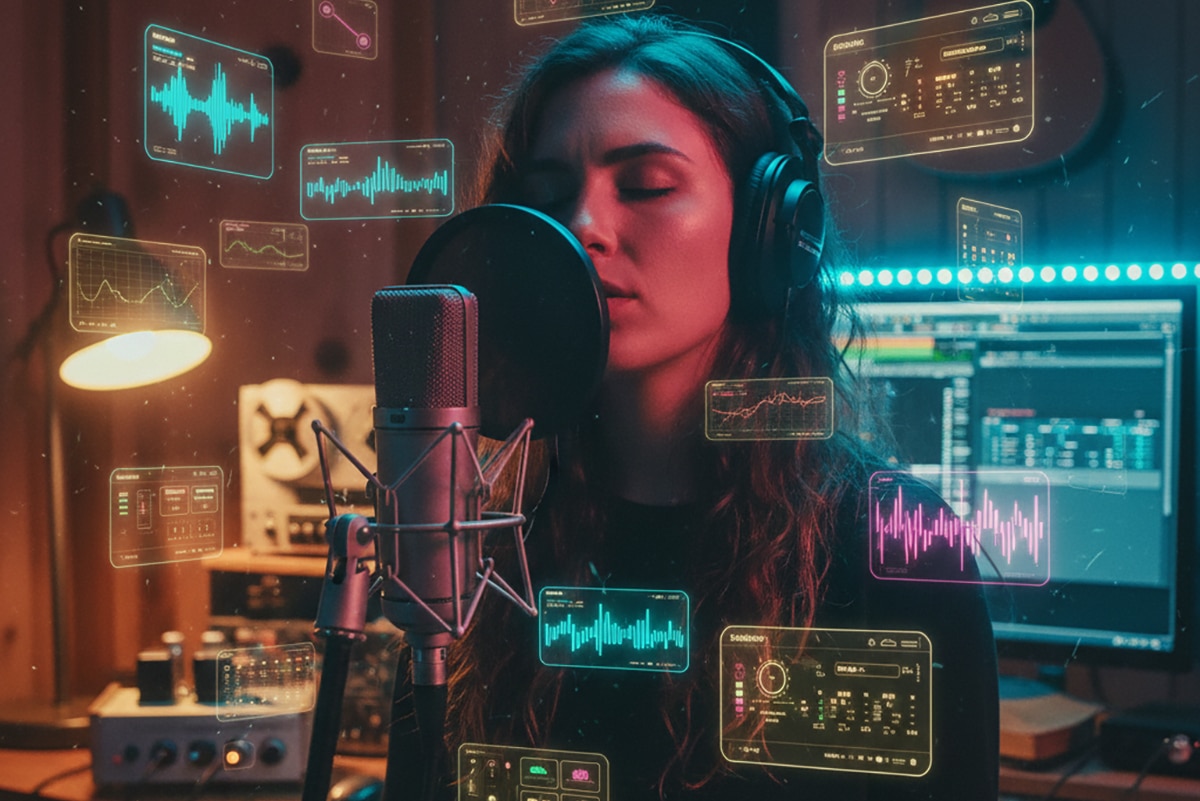
Making a Scene Presents – How to Use ChatGPT to Analyze Your Mix and Make It Better
Listen to the podcast discussion to gain more insight in using ChatGPT for Mixing Advice!
The New Secret Weapon for Indie Artists Mixing at Home
Mixing your music at home shouldn’t feel like guesswork. But most indie artists know the feeling. You sit in front of your speakers, you start turning knobs, and you hope for the best. Some days everything sounds muddy. Other days your vocals feel harsh and thin. Maybe your kick drum disappears on phone speakers. Maybe you’re scared to even compare your mix to a real release because you don’t want to hear how far off it is.
That fear is real. But the good news is that you don’t have to mix in the dark anymore. You can upload your song straight into ChatGPT and get real, detailed, brutally honest mix feedback in seconds. You can ask what’s wrong. You can ask how to fix it. You can even ask for exact plugin settings for Studio One, Sonible smart:EQ, and iZotope Ozone, Neutron, and Nectar. And it will tell you exactly what to do.
For indie artists, this is a revolution. The kind of feedback that used to cost hundreds of dollars per mix is now available on your screen whenever you need it. No big studio. No big budget. No gatekeepers. Just you, your DAW, and an AI mix assistant that never sleeps.
This is how indie artists win.
Why ChatGPT Is Almost Like Having a Real Mix Engineer on Call
For years, the mixing world has been controlled by people who owned the best rooms, the best monitors, and the most expensive gear. If you didn’t have access to all that, your mixes often suffered. But that world is changing fast.
ChatGPT can hear your mix with a kind of sharp honesty you don’t get from most people. It can tell you where your low-end is muddy. It can explain why your vocals feel buried. It can point out exactly which frequencies hurt your ears. And when you tell it what DAW and plugins you own, it can turn that feedback into step-by-step instructions you can follow in Studio One right now.
This is why AI matters. It doesn’t replace the artist. It replaces the barriers.
How to Upload Your Mix to ChatGPT
It’s simple. Just bounce your song to a WAV or MP3 and drag it into ChatGPT. You’ll see a little paperclip icon next to the message box. That’s your upload button. Once the file is uploaded, you can ask ChatGPT to listen and give feedback.
Some users just say, “Tell me what’s wrong.”
Others go deeper.
A powerful way to start is:
“Listen to this mix and tell me everything that needs work. Break it down by frequency range, instrument, and stereo width. Then explain how to fix each problem using Studio One stock plugins.”
You don’t need any special language. Just talk to it like it’s a person. ChatGPT will listen and respond with mix notes that feel surprisingly human.
How ChatGPT Becomes Your Virtual Mix Assistant
Once your mix is uploaded, ChatGPT becomes a second set of ears. And honestly, sometimes that’s all you need. When you’ve heard your own song five hundred times, your ears stop noticing the problems. AI doesn’t get tired. It doesn’t get emotional. It just tells you the truth.
You can ask it about anything.
If your vocals sound harsh, you can ask what frequencies to cut in Studio One’s Pro EQ.
If your drums feel weak, you can ask how to use the Compressor and Tricomp to add punch.
If your whole mix feels muddy, ChatGPT can walk you through how to clean up the low mids step-by-step.
The more specific you are, the more powerful the answers get.
For example, try asking:
“How can I fix the muddiness around 300 Hz using Studio One Pro EQ? Give me exact settings.”
You’ll get settings you can drop straight into your session.
Using Studio One Stock Plugins With ChatGPT’s Guidance
One of the best things about Studio One is that the stock plugins are already strong enough to make a professional mix. Pro EQ, Compressor, Tricomp, Limiter, OpenAIR, and Mixtool can take you farther than you think. ChatGPT knows all of them and can tell you exactly how to use them to fix any issue.
You can ask:
“Give me settings for Pro EQ to brighten my vocal without making it harsh.”
ChatGPT might suggest a gentle high shelf at 10 kHz, a cut around 300 Hz, and a narrow notch around 2.5 kHz if needed.
Or you can ask:
“My kick drum is flabby. How do I tighten it using only Studio One stock tools?”
You’ll get instructions on EQ, compression timing, and even transient enhancement using what you already own.
This is how you turn Studio One into a powerful mixing machine.
Letting ChatGPT Drive AI Plugins Like Sonible smart:EQ and smart:comp
If you want to take things even further, plugins from Sonible make the process easier. smart:EQ, smart:comp, and smart:limit listen to your audio and “think” about what needs fixing. ChatGPT understands how they work and can guide you through using their AI features the right way.
You can ask:
“Help me use smart:EQ to clean up my vocal and shape it for an indie rock mix.”
Or:
“How do I set smart:comp on my drum bus for punch but not pumping?”
ChatGPT will explain which profile to choose, what intensity settings to try, and how to fine-tune the results.
Sonible website: https://www.sonible.com
When you combine Sonible’s AI with ChatGPT’s ear, you get a powerful mixing duo that feels almost futuristic.
How ChatGPT Guides You Through iZotope Ozone, Neutron, and Nectar
iZotope has been the king of music AI for years. Ozone for mastering. Neutron for mixing. Nectar for vocals.
ChatGPT knows how these tools operate and can walk you through every module.
Neutron’s dynamic EQ, Sculptor, Exciter, and compressor.
Nectar’s vocal cleanup and sweetening.
Ozone’s imaging, maximizer, and mastering EQ.
iZotope website: https://www.izotope.com
You can ask:
“Give me a mastering chain in Ozone 12 that makes this track louder, wider, and warmer without distortion.”
Or:
“How do I make my vocal thicker using Nectar 4?”
Or:
“Explain how to use Neutron’s Mix Assistant to clean up my low end.”
This is the kind of step-by-step coaching indie artists used to pay a lot of money for.
Fixing Common Mix Problems With ChatGPT’s Help
Every home studio struggles with the same problems. Muddy vocals. Harsh cymbals. Boxy drums. Crowded midrange. A bass that disappears on earbuds. The good news is you don’t have to guess anymore.
ChatGPT can tell you exactly where the issue lives.
If your mix is muddy, it might tell you the problem is between 200 and 350 Hz.
If your vocal is harsh, it might tell you the issue is between 2 and 5 kHz.
If your bass is weak, it might explain how to boost 60–100 Hz without blowing up your speakers.
You can fix all of these with the tools you already have.
Genre-Based Mix Coaching
One of the coolest things about using ChatGPT is that it understands genres. You can tell it you’re making indie blues, rock, folk, hip-hop, metal, EDM, or singer-songwriter, and it will tailor the mix moves to that style.
For example, you can say:
“Give me indie blues-rock vocal settings like Gary Clark Jr. using Studio One and Nectar.”
Or:
“Give me hip-hop kick and bass settings that hit like Metro Boomin using Neutron.”
Or:
“Give me folk acoustic guitar EQ that feels warm and natural.”
This is the kind of mixing advice that makes your music sound intentional instead of random.
Getting Stems-Only Feedback
If your mix has one big problem, you can upload that single stem for analysis. Maybe your vocals need work. Maybe your drum bus feels off. Maybe your guitar part is too boomy.
When ChatGPT hears only that one track, it can give extremely accurate feedback. You can ask:
“Here is my vocal stem. Tell me what’s wrong and how to fix it using Pro EQ and Nectar.”
Or:
“Here is my drum bus. Tell me how to make it tighter with smart:comp and Studio One’s Compressor.”
This is like putting a microscope on one part of your mix.
A Simple AI Mixing Workflow You Can Follow
Once you understand how ChatGPT thinks, you can turn it into a full mixing system.
Upload your mix.
Get feedback.
Apply the changes.
Bounce a new version.
Upload again.
Repeat until the song feels right.
You can even tell it your plugin list and it will create a full mixing template customized to the tools you own.
This is where indie artists stop guessing and start mixing with intention.
Copy-and-Paste Prompt Examples for Your Sessions
Here are some ready-to-go prompts.
Mix Analysis Prompt
“Listen to this mix and tell me everything that needs work by instrument, frequency range, and stereo width. Then explain how to fix each issue using Studio One stock plugins.”
Vocal Clarification Prompt
“Help me fix the harshness in my vocal between 2–5 kHz using Studio One Pro EQ. Give me exact settings and then give me optional Nectar 4 settings.”
Mastering Prompt
“Using Studio One stock plugins and Ozone 12, give me a mastering chain that makes this mix warm, loud, and wide.”
Stem Prompt
“Here is my drum stem. Analyze it and tell me how to fix tone, dynamics, and punch using smart:comp, Neutron, and Studio One.”
Genre Prompt
“Give me indie rock mixing settings inspired by The Black Keys using Studio One and Neutron.”
These prompts save hours of guesswork.
 |  Spotify |  Deezer |  Breaker |
 Pocket Cast |  Radio Public |  Stitcher |  TuneIn |
 IHeart Radio |  Mixcloud |  PlayerFM |  Amazon |
 Jiosaavn |  Gaana |  Vurbl |  Audius |
 Reason.Fm | |||
Find our Podcasts on these outlets
Subscribe to Our Newsletter
Discover more from Making A Scene!
Subscribe to get the latest posts sent to your email.


