
DaVinci Resolve 20: The Ultimate Free Video Editor for Indie Musicians




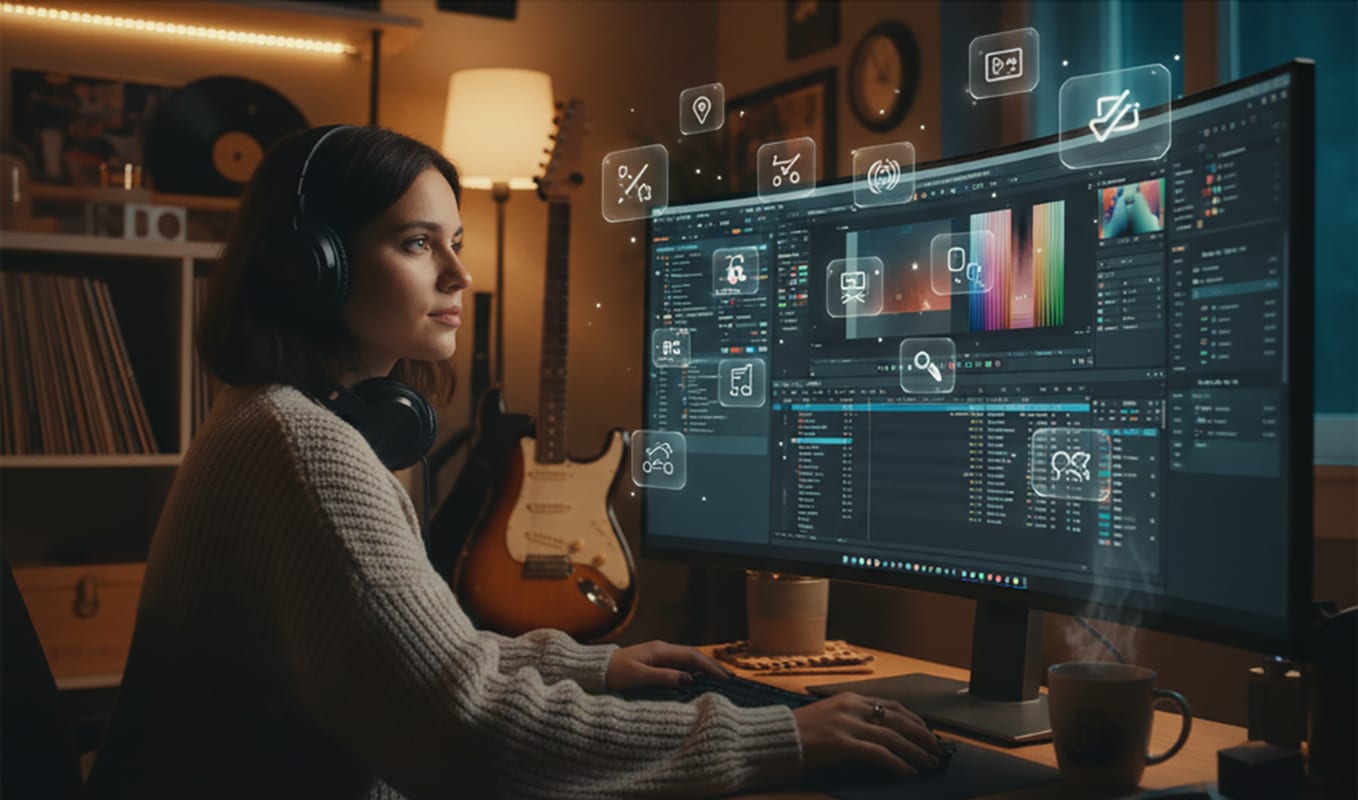
Making a Scene Presents – DaVinci Resolve 20: The Ultimate Free Video Editor for Indie Musicians
Listen to the Podcast Discussion for more Insight into the Free Davinci Resolve 20!
If you’re an indie musician — writing songs, shooting videos, or just trying to tell your story visually — you’ve probably realized how important good video editing has become. Fans don’t just listen anymore; they watch. Whether you’re putting out a full music video, a lyric visualizer, a rehearsal clip, or a behind-the-scenes vlog, video is the main way you connect with your audience. But good editing software can be expensive, complicated, and often limited unless you pay for premium plans.
That’s where DaVinci Resolve 20 comes in — a surprisingly powerful free video editor that combines professional film tools, advanced color grading, studio-quality audio mixing, and even visual effects. What makes it extra appealing to indie musicians is that it offers a complete post-production suite in one program, and the free version is actually usable for real projects — not just a stripped-down teaser.
Let’s take a deep dive into what makes DaVinci Resolve 20 one of the best free creative tools available today, especially if you’re making music videos or social content. We’ll also look at what the paid version adds, including its new AI tools, and how you can use modern generative AI video platforms like Sora and Flow to create custom visuals you can import right into your Resolve projects.
What Is DaVinci Resolve 20?
At its core, DaVinci Resolve 20 (developed by Blackmagic Design) is a full-featured editing and post-production suite used by professionals in film, television, and YouTube. It’s not just a video editor — it’s an entire production environment with pages for editing, color correction, audio mixing, visual effects, and exporting.
You can think of it as five major programs rolled into one:
-
Cut/Edit Page: for trimming and assembling clips.
-
Color Page: for adjusting the look, exposure, and tone of your footage.
-
Fairlight Page: for professional audio editing and mixing.
-
Fusion Page: for adding visual effects and motion graphics.
-
Deliver Page: for rendering and exporting your finished video.
But the best part? The free version of DaVinci Resolve 20 includes almost all of that — no watermark, no time limits, no “trial” restrictions. It’s the same software used by professionals, and it’s genuinely free.
Why It’s a Game-Changer for Indie Musicians
If you’re an independent musician, you already know how expensive creative software can be. Adobe Premiere, After Effects, and Final Cut Pro all require paid licenses or subscriptions that can easily drain your budget. DaVinci Resolve 20 flips that model on its head.
With it, you can cut together full music videos, performance clips, lyric videos, or short social media reels — all in one place. You don’t need separate software for editing, color correction, and sound. The built-in Fairlight audio tools are especially valuable because they let you mix and polish your song audio directly inside your video project.
That means you can do things like:
-
Sync your mastered studio track with live performance footage.
-
Fix bad camera audio with EQ, compression, or reverb.
-
Blend dialogue and background sound without needing Pro Tools.
For indie musicians working from home studios or small spaces, this kind of power — for free — is unheard of.
The Free Version: What You Get
The free edition of DaVinci Resolve 20 gives you access to almost every major feature. You can import your footage, cut and edit clips, add transitions, apply filters, color-correct, and export up to 4K resolution at 60 fps — all without paying a cent.
Professional reviewers like TechRadar have even said, “It’s not just one of the best free video editors — it’s some of the best video editing software we’ve ever tested, period.”
So what does that mean for you? It means you can produce content that looks like it was made in a professional post-production suite — from your bedroom, rehearsal room, or tour van.
You can use the Cut Page for quick edits (perfect for social media clips) or the Edit Page for detailed projects like music videos. Once you’re ready, you can fine-tune the color and tone in the Color Page to match your artistic vision — warm, vintage tones for folk, or neon contrast for synthpop.
Resolve also gives you advanced audio editing through Fairlight, which is a full digital audio workstation built right into the software. You can record voiceovers, mix music, balance dialogue, or even master your final track without needing another program.
And the best part — there are no watermarks, even in the free version.
The Real-World Workflow for Indie Artists
Imagine this: You film your band playing in your practice space with a DSLR camera and a couple of phones. You also have your mastered version of the song ready from your DAW. Here’s how it plays out in DaVinci Resolve 20.
You import all your footage and audio. You line up your live clips with the studio track. You cut between angles to match the rhythm of the song. Then you fix the lighting differences between shots using the color tools. Finally, you mix your sound, add titles and transitions, and export in 4K.
The whole process happens in one program — no exporting, importing, or converting files between multiple apps. It’s fast, efficient, and professional.
For most indie musicians, this setup will cover 90% of what you’ll ever need to do for your own videos.
Where the Free Version Might Hit Its Limits
Now, let’s be honest. DaVinci Resolve 20 Free isn’t perfect. There are some features locked behind the paid “Studio” version, and you’ll notice these mainly when you start working on advanced projects.
For example, the free version maxes out at 4K/60 fps export. If you’re filming in ultra-high frame rates or HDR formats, you’ll need the paid upgrade. Some advanced effects, such as AI-powered noise reduction, 3D workspaces, and depth mapping, are also reserved for Studio users.
Another thing to note is that Resolve is a powerful program, and that means it’s heavy on your computer. If you’re working with older hardware, high-resolution footage, or multiple effects layers, you might experience lag or slower playback.
Still, the free version gives you more features than most paid editors, so it’s a fair trade-off.
Using AI Tools Like Sora, Flow, and RunwayML to Generate Clips
Here’s where things get really interesting. One of the biggest trends in creative production right now is AI-generated video, and it’s opening up incredible possibilities for indie musicians. Tools like Sora (by OpenAI), Flow, RunwayML, and Pika Labs can now create cinematic video clips, animations, and visual scenes just from a text prompt or still image.
Think about that. You can literally type out a visual idea for your song — and an AI will make it for you. Then, you can import those clips straight into DaVinci Resolve 20 and edit them together with your real footage.
Let’s say your song has lyrics about “driving down an empty highway at dusk.” You could describe that scene in Sora:
“A slow-motion shot of a car driving through a desert at sunset, warm colors, cinematic lens flare.”
Within a few minutes, you’ll have a video clip that looks like it came from a high-end camera. Then you drop it into Resolve, sync it to the beat of your track, and color-match it with your live performance. Suddenly, your low-budget video looks like a movie.
If you use Flow or RunwayML, you can take this even further. Flow lets you build stylized motion paths and create surreal dreamlike sequences. RunwayML allows you to replace backgrounds, animate still images, or generate transitions that fit your song’s rhythm.
For lyric videos, you can create subtle AI motion backgrounds — like swirling smoke, glowing city lights, or slow-moving clouds — and then overlay your lyrics in DaVinci Resolve using text and keyframes. You don’t need expensive stock footage anymore; you can generate the visuals you need.
This combination — AI generation plus DaVinci editing — gives indie musicians Hollywood-level creative control. You can film your own scenes on a phone, add AI-generated B-roll, and make the whole thing look cohesive through Resolve’s color tools. You can even use its built-in film grain, LUTs, and motion blur to make AI clips feel more “real.”
AI visuals are also a huge help for social media content. You can make 15–30 second promo loops or teaser visuals for your next single, using Sora or Runway to generate background motion, and then import everything into Resolve to add titles, filters, or effects.
Here’s a quick example workflow:
-
Use Sora or Flow to generate a cinematic background based on your lyrics or mood.
-
Record yourself performing the song or lip-syncing.
-
Import both into Resolve and blend them together.
-
Color match the clips, add your logo, and export for TikTok, YouTube, or Instagram.
By mixing AI-generated visuals with real footage, you can create unique storytelling experiences that would have been impossible on an indie budget even a year ago.
And because Resolve 20’s free version handles color correction and composition so well, your AI-generated scenes will blend naturally with your live shots — making your music video feel like a unified piece of art.
The Paid Version and Its AI Superpowers
Now let’s talk about the Studio version of DaVinci Resolve 20. It’s a one-time purchase (around $295), and it adds several professional-grade tools — especially AI-powered ones.
The Studio edition includes new features like AI Audio Assistant, AI Detect Music Beats, Depth Map 2, and IntelliTrack AI. These tools save massive amounts of time by automating repetitive tasks and improving your workflow.
The AI Audio Assistant can analyze your tracks, balance dialogue, and even duck background music under speech — perfect for behind-the-scenes videos or interviews. The Detect Music Beats feature automatically finds the tempo of your song and places markers along the beat grid so you can sync your cuts to the rhythm — a huge timesaver for music videos.
Meanwhile, Depth Map 2 and Magic Mask let you isolate subjects in a scene (like you or your bandmates) and apply effects or lighting adjustments only to them. You could, for example, darken the background while keeping yourself brightly lit, all without green screens or complex masking.
There’s also AI Multicam SmartSwitch, which can automatically switch between camera angles based on who’s performing or singing — a dream feature for live performance editing.
If you’re creating a lot of content, these tools can shave hours off your production time. They’re not necessary for beginners, but once you start producing consistent video content, they’re worth considering.
Is the AI Upgrade Worth It?
If you’re just getting started, the free version of Resolve 20 is all you really need. But if you’re planning to regularly produce polished videos — especially multi-camera shoots, live sessions, or lyric videos — the AI tools in Studio can become invaluable.
The AI Beat Detection alone can transform how quickly you edit to music. Combine that with features like the Audio Assistant and Depth Mapping, and you’re looking at a serious creative upgrade.
Think of it like this: if you’re an indie artist who’s starting to release music videos regularly, the Studio version is the equivalent of upgrading your guitar from a practice model to a professional instrument. You can still play without it, but once you have it, you’ll wonder how you lived without those extra controls.
Strengths and Weaknesses
DaVinci Resolve 20 is one of the most powerful creative tools available — especially for free. Its biggest strength is its versatility. You can handle every stage of video and audio post-production inside a single app.
It also scales with your growth. You can start small — filming in your room — and still be using the same software when you’re directing full-scale music videos.
The downsides? It has a learning curve. There’s a lot under the hood, and if you’ve never edited before, it can feel overwhelming. But once you learn the basics, it’s incredibly rewarding.
The other challenge is hardware. Resolve loves a strong GPU. If you’re editing on a laptop from 2018, you may need to use proxies (lower-resolution copies of your footage) to keep things running smoothly.
Still, even with these limitations, Resolve’s free version beats out most paid editors in power and flexibility.
Tips for Indie Musicians Getting Started
Start simple. Don’t try to use every feature at once. Pick one project — maybe a short performance clip — and focus on basic editing and color correction. Once you’re comfortable, explore Fairlight for audio or Fusion for effects.
Organize your media before you import. Label your clips, create folders, and keep your audio files clearly named. It will save you hours later.
When color grading, aim for consistency. If you shot footage from multiple cameras or phones, use Resolve’s color tools to make them match. Consistency makes your video look professional.
And don’t forget your audio! Since you’re a musician, your sound quality is part of your brand. Spend time balancing levels and removing unwanted noise. Resolve gives you everything you need to make your mixes shine.
Real-World Scenarios
Music Video: You shoot your performance on a single camera, import your studio track, and sync the footage. You use color correction and cuts to make the performance dynamic. Resolve handles everything.
Lyric Video: You generate abstract AI motion clips using Sora or Flow, import them into Resolve, and overlay text with animated keyframes. It looks high-end, costs nothing but your time.
Behind-the-Scenes Clip: You film your band in the studio, use AI Audio Assistant (if you have Studio) to balance dialogue and background music, add transitions, and export directly to YouTube.
Social Media Teaser: Use RunwayML to generate short loops or AI backgrounds that reflect your album art. Drop them into Resolve, add your logo, and export in vertical format for Instagram Reels.
The Final Take
At the end of the day, DaVinci Resolve 20 is one of the most powerful creative tools available to indie musicians — and it’s free. It lets you edit videos, color-grade footage, mix audio, and even add visual effects, all inside one program.
When you add in the ability to blend AI-generated visuals from tools like Sora, Flow, RunwayML, and Pika Labs, you’re not just editing videos — you’re building full cinematic experiences around your music.
The free version will serve most indie artists perfectly, but if you find yourself producing lots of videos or experimenting with AI workflows, the one-time paid upgrade to Studio unlocks next-level tools that can save you time and elevate your output.
So if you’re serious about creating professional, visually stunning content for your music — without hiring a production team or paying monthly fees — DaVinci Resolve 20 deserves a permanent spot in your creative toolkit.
It’s not just a video editor. It’s your virtual production studio — ready to bring your sound to life on screen.
Download Davinci Resolve 20 HERE
 |  Spotify |  Deezer |  Breaker |
 Pocket Cast |  Radio Public |  Stitcher |  TuneIn |
 IHeart Radio |  Mixcloud |  PlayerFM |  Amazon |
 Jiosaavn |  Gaana |  Vurbl |  Audius |
 Reason.Fm | |||
Find our Podcasts on these outlets
Buy Us a Cup of Coffee!
Join the movement in supporting Making a Scene, the premier independent resource for both emerging musicians and the dedicated fans who champion them.
We showcase this vibrant community that celebrates the raw talent and creative spirit driving the music industry forward. From insightful articles and in-depth interviews to exclusive content and insider tips, Making a Scene empowers artists to thrive and fans to discover their next favorite sound.
Together, let’s amplify the voices of independent musicians and forge unforgettable connections through the power of music
Make a one-time donation
Make a monthly donation
Make a yearly donation
Buy us a cup of Coffee!
Or enter a custom amount
Your contribution is appreciated.
Your contribution is appreciated.
Your contribution is appreciated.
DonateDonate monthlyDonate yearlyYou can donate directly through Paypal!
Subscribe to Our Newsletter
Order the New Book From Making a Scene
Breaking Chains – Navigating the Decentralized Music Industry
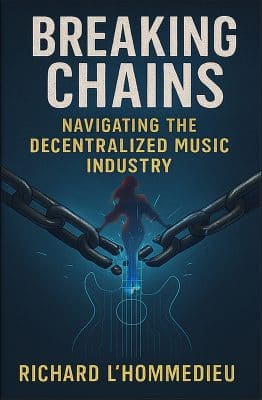
Breaking Chains is a groundbreaking guide for independent musicians ready to take control of their careers in the rapidly evolving world of decentralized music. From blockchain-powered royalties to NFTs, DAOs, and smart contracts, this book breaks down complex Web3 concepts into practical strategies that help artists earn more, connect directly with fans, and retain creative freedom. With real-world examples, platform recommendations, and step-by-step guidance, it empowers musicians to bypass traditional gatekeepers and build sustainable careers on their own terms.
More than just a tech manual, Breaking Chains explores the bigger picture—how decentralization can rebuild the music industry’s middle class, strengthen local economies, and transform fans into stakeholders in an artist’s journey. Whether you’re an emerging musician, a veteran indie artist, or a curious fan of the next music revolution, this book is your roadmap to the future of fair, transparent, and community-driven music.
Get your Limited Edition Signed and Numbered (Only 50 copies Available) Free Shipping Included
Discover more from Making A Scene!
Subscribe to get the latest posts sent to your email.


