
Ace Studio 2.0 Artist Edition: The Deep-Dive Review Every Indie Musician Needs




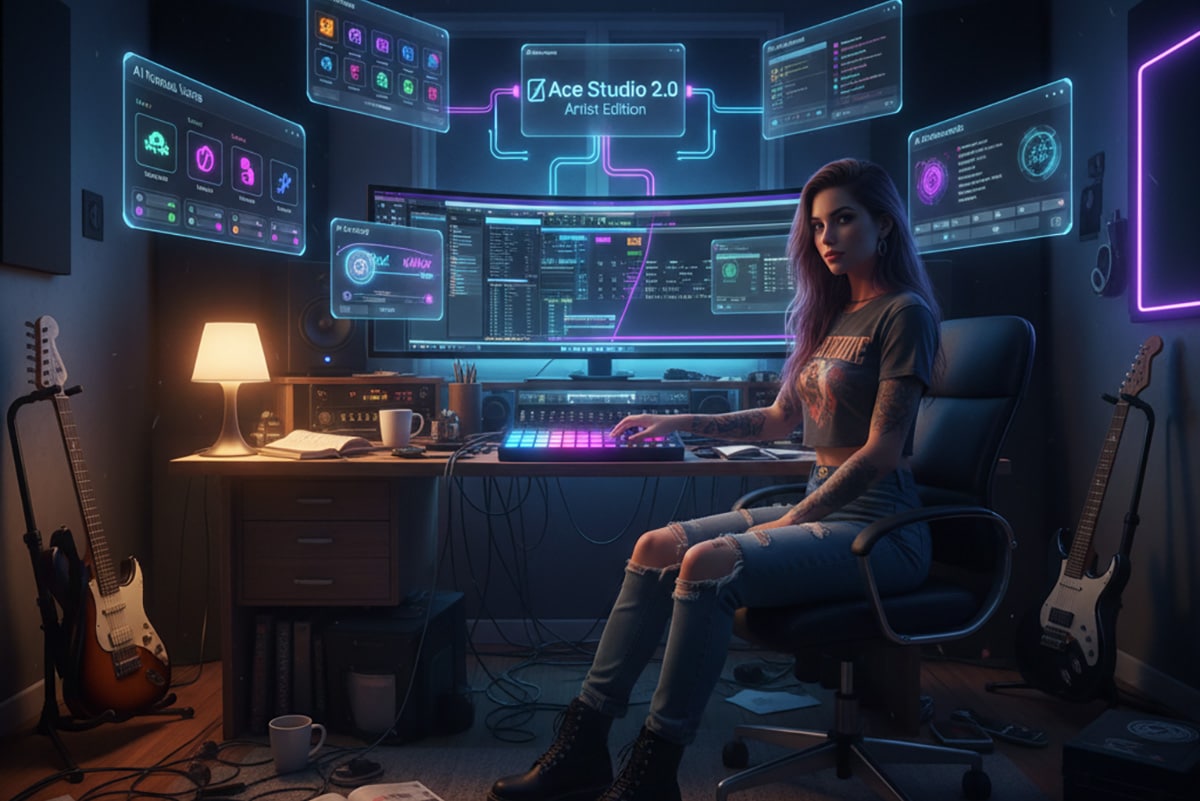
Making a Scene Presents Ace Studio 2.0 Artist Edition: The Deep-Dive Review Every Indie Musician Needs
Listen to the podcast discussion to Learn More about Ace Studio 2.0 Artist Edition
The walls of the old music industry are falling, and indie artists are finally getting the tools they deserve. For years, only big studios and big budgets had access to high-end vocal production, full instrument libraries, and teams of session singers ready to jump in at any moment. But now there’s Ace Studio 2.0 Artist Edition, a tool that lets any indie musician create pro-level vocals, harmonies, and expressive instruments right inside their home studio.
Ace Studio doesn’t feel like a toy. It feels like a powerful, modern studio partner that never sleeps, never loses pitch, never calls in sick, and never charges you by the hour. It helps you write, arrange, experiment, and produce at a level that used to be locked behind gatekeepers. If you’ve been reading Making A Scene for a while, you already know that this is exactly the kind of movement we support. We want artists to build the new music industry, not wait for permission from the old one.
So let’s dig into Ace Studio 2.0 Artist Edition and break down every tool, every piece of workflow magic, and every real-world use case—especially how it fits into Studio One Pro, which is where many indie musicians feel at home.
You can learn more about Ace Studio at https://acestudio.ai, but we’re going to walk through everything step by step right here.
This is the full deep dive.
What Ace Studio 2.0 Artist Edition Actually Is
Ace Studio is an AI-driven vocal and instrument creation platform. The Artist Edition gives you full access to virtual voices, expressive editing tools, AI instrument generation, stem separation, generative kits, and even custom voice cloning. Think of it as a vocal producer, session singer, choir director, arranger, and sound designer all rolled into one.
But it’s more than just a fancy vocal synth. Ace Studio uses deep-learning models to understand how human voices actually behave. It shapes vowels, consonants, breaths, vibrato, and emotional shifts in a way that feels real and alive. Notes aren’t just played—they’re performed. That’s what makes Ace Studio stand out from all the popular “AI song generators.” This isn’t a random music toy. This is a real-world production tool that belongs in your studio.
Ace Studio becomes even more powerful when you bring it into your DAW using the Bridge VST plugin, which you can download from https://acestudio.ai. This lets all your Ace Studio vocals and instruments feed straight into Studio One Pro without any messy dragging, bouncing, or exporting.
So let’s break down how this works.
How Ace Studio Fits Into Studio One Pro
As I am a Studio One Pro user, the best way to test how Ace Studio works in a DAW is to use what I know best. If you use Studio One Pro you know how fast and clean the workflow already is. Ace Studio fits into it like it was designed for it. The Bridge VST acts as a direct connection. You load it into Studio One the same way you load any other instrument. When you open Ace Studio and build a vocal or instrument, the audio pops right into the Studio One timeline. No exporting. No switching windows. No headaches.
Here’s how a typical session goes from start to finish in real life.
You open Studio One Pro and create a new song. You add a track and load the Ace Studio Bridge VST. Then you open Ace Studio itself. In Ace, you type in your lyrics or import a scratch vocal. You create a melody with MIDI notes or let Ace follow the shape of your guide vocal. You pick a voice model. You shape the emotion, vibrato, tone, breathiness, and phrasing. When you like the sound, you hit render.
Studio One immediately updates the track with the new audio.
If you change the melody, you render again. If you update the lyrics, you render again. If you switch to your own voice clone, you render again. Studio One always has the latest version, and your mix stays clean.
It feels like Ace Studio is just another part of Studio One Pro, and honestly, that’s exactly what indie musicians need. Workflow matters more than anything in a home studio. The fewer walls between ideas and execution, the better the music.
The Ace Studio Interface in Plain Language
Ace Studio looks like a mix of a DAW, a lyric sheet, and a MIDI piano roll editor. But don’t let that scare you. Everything is designed for quick understanding.
The main area is where your phrases live. Each phrase shows the words and the notes that go with them. Below that, you can fine-tune pitch curves, timing, vibrato, breathiness, strength, style, and emotion. If you’ve used Melodyne or Studio One’s built-in pitch tools, the idea will feel familiar—but Ace goes way deeper. You’re not just fixing sings. You’re shaping performances.
On the right side of the interface, you select your voices and instruments. Ace Studio’s voices come in many styles. Some sound soft and breathy. Some sound strong and theatrical. Some sound youthful. Some sound more mature. When you switch a voice, your whole song’s energy changes.
Ace gives you a high level of control without making you dive into confusing menus. This is why it works so well for indie musicians. You can get professional results without needing a degree in digital signal processing.
Understanding Virtual Voices in Ace Studio
Virtual voices are the heart of Ace Studio. These are AI models trained on real singers, giving you a set of expressive vocal instruments that can handle leads, backgrounds, harmonies, ad-libs, and more. They have realistic tone, breath, vibrato, and emotional movement.
A virtual voice is not just a “preset.” It’s a full vocal personality.
You pick a voice the same way you pick a guitar tone during recording. Need something soft and whispery? Select a more intimate model. Need something bold and bright? Switch to a model with more strength and edge. Want to write a duet? Open two voices side by side and let them sing together.
You can even mix a virtual voice with your own voice clone, giving you a blend that feels both natural and full.
Virtual voices are great for:
Songwriting
Demo creation
Filling in harmonies
Replacing scratch vocals
Producing backing vocals
Experimenting with new styles
Creating vocal layers for live tracks
Working late at night when you can’t record real vocals
But to understand the full power of Ace Studio, we have to explore how the Bridge VST connects these voices into Studio One Pro in real time.
How the Bridge VST Plugin Connects Ace Studio to Your DAW
The Bridge VST is found at https://acestudio.ai and is the key to keeping everything smooth inside Studio One Pro.
Here’s how it works in a real session.
You drag the Bridge VST onto a track. This track will receive audio from Ace Studio. When you open Ace Studio and edit your vocals, you simply click render. The audio flows into Studio One, replaces the previous take, and locks into the timeline. You treat it like any other vocal.
This saves a massive amount of time. You don’t have to bounce stems, name files, drag files, or import them over and over. You can focus on the creative work, which is what matters most.
The Bridge VST turns Ace Studio into a natural extension of your DAW. If you’ve ever dreamed of having an in-house session singer who instantly updates their parts when you ask—this is the closest thing you’re going to get.
AI Stem Separation Inside Ace Studio
Ace Studio 2.0 includes stem separation, which lets you take mixed audio and pull the vocal out. This is helpful for three big reasons.
You may want to rebuild an old song but no longer have the original vocal stem. You may want to train your voice model but only have mixed recordings. You may want to isolate a vocal so you can create a harmony or use it as a reference.
Stem separation uses AI to find the voice inside the mix and pull it out. It’s not always perfect, but it is shockingly good in many cases. It saves hours of manual EQing or filtering.
You load a file, ask Ace to isolate the vocal, and export the stem. Now you have a clean starting point for training or editing.
How Voice Cloning Works in Ace Studio 2.0 Artist Edition
Voice cloning might be the most powerful part of Ace Studio. The Artist Edition lets you train a custom model of your own singing voice. Once trained, your voice clone can sing new lines, new harmonies, or completely new songs—even when you’re tired, sick, or just don’t feel like recording.
Ace Studio’s cloning follows Responsible AI rules. You can only clone voices you have legal rights to. That means your own voice or someone who gives you permission.
You can read their Responsible AI guidelines at https://acestudio.ai.
Let’s walk through the entire process from scratch.
How to Prepare Clean Vocal Stems for Training Your Voice Model
Clean vocal stems are everything. If your stems are messy, noisy, distorted, or full of effects, your clone will sound bad. So let’s do this right.
Open Studio One Pro and load your raw vocal takes. Make sure they are dry. No reverb. No delay. No EQ. No pitch correction. If the vocal is already processed, go back to the original session and solo the raw track.
Remove rumble or background noise using a gentle tool. You can use Studio One’s built-in noise reduction or something like iZotope RX at https://www.izotope.com, but don’t overclean. You want it natural.
Trim silence and remove pops or clicks. Keep natural breaths. Breath is important for the AI to learn realism.
Export each vocal as a high-quality WAV file. Ace Studio needs uncompressed audio to learn details.
Write an accurate transcript of every line the singer is saying or singing. This is extremely important. If the text doesn’t match the audio, the model learns wrong information and may mispronounce words later.
Once your stems and transcripts are ready, you can move into training.
How to Train Your Voice Model in Ace Studio Step by Step
Open Ace Studio and go to the voice training section. Create a new model. Give it a name.
Upload each vocal file and its matching transcript. Ace Studio will check the alignment. If something doesn’t match, it will warn you so you can fix it.
Start the training. The AI studies the tone, pitch habits, breathing patterns, vibrato, phrasing, and emotional shape of your voice. The more clean audio you feed it, the better it gets.
Once training is finished, your voice model appears in your voice list. You can now use it like any other singer inside Ace Studio.
And this is where the fun begins.
How to Use Your Voice Clone Inside Studio One Pro
Open Studio One Pro and load the Bridge VST. Then open Ace Studio and load your new custom voice model.
Type your lyrics or import a guide vocal. Draw or import MIDI notes for melody. Adjust tone, vibrato, emotion, and timing until the performance feels right.
Render the vocal. The audio drops right into Studio One.
Now mix it like a real singer. Add EQ. Add compression. Add reverb. Add delay. Add saturation. Place it in your mix. Make it sit in the pocket.
You can even blend your real voice with your clone. Many artists use clones for harmony stacks because they stay on pitch and match tone perfectly.
The end result is a clean, full vocal production that sounds alive.
AI Instrument Generation in Ace Studio
Ace Studio doesn’t stop at vocals. It also includes AI-based instruments that can follow the emotion and intensity of your vocal phrases. These instruments are not static samples. They respond to phrasing, timing, and expression.
This makes them useful for building backing tracks, pads, leads, or even full arrangements when you don’t have access to live players. You can find these instruments right in the Ace interface at https://acestudio.ai.
They work great when you need to write fast or fill out a production without loading huge libraries.
Generative Kits: AI-Created Sound Packs for Modern Production
Generative kits inside Ace Studio let you build rhythmic and tonal elements that match your song’s mood. These aren’t just samples. They’re AI-created textures you can shape inside the program.
Indie musicians can use generative kits to create unique percussion, ambient sounds, rhythmic pulses, or even strange hybrid tones that sit perfectly in the mix.
Because these kits are created on the spot, your sound won’t match a million other tracks using the same sample pack. This is great for artists who want to stand out.
How Ace Studio Speeds Up Your Entire Workflow
Ace Studio cuts out the waiting game. You no longer have to wait for a singer, a session musician, a collaborator, or even your own voice on a bad day. You can write faster. You can produce faster. You can experiment freely.
Inside Studio One Pro, the speed becomes even more obvious. You write a phrase in Ace. Render into Studio One. Adjust effects. Update the phrase. Render again. Keep creating.
When your ideas move fast, your music feels more alive.
This is exactly the kind of freedom that Making A Scene pushes for. Indie artists deserve real power tools—not watered-down versions of the toys the big studios use. Ace Studio gives that power to anyone willing to learn it.
Responsible AI: What Indie Artists Need to Know
Ace Studio follows strict rules about who can clone a voice. This protects both the artist and the industry. You must have rights to the voice you train. You cannot upload recordings of famous singers. You cannot upload voices you don’t legally own.
This keeps the technology safe, fair, and ethical.
You can read more about this at https://acestudio.ai.
How Indie Musicians Can Start Using Ace Studio With Web3 Tools Right Now
Now let’s talk about something that fits perfectly with the Making A Scene mission. The future of music is not just AI. It’s AI working hand-in-hand with Web3 ideas like digital ownership, token-gated access, and collectible creative assets.
Ace Studio makes it easy for indie musicians to step into this world without needing to code anything or understand blockchain at a deep level. You can stay platform-agnostic and still use the concepts right away.
Here’s how.
When you create AI vocals or instrument parts inside Ace Studio, you’re creating digital assets that can be owned, shared, or collected. This means you can package your Ace Studio stems, harmonies, background stacks, or custom voice-clone versions as collectible items.
You can take the stems you create in Ace Studio and mint them as digital collectibles. These can be alternate versions of your songs, harmony-only mixes, vocal-only versions, or even experimental takes. Fans can own these versions, trade them, or use them in remix contests.
You can offer token-gated access to your voice clone for fans who want to build remixes or community-made tracks. Instead of giving everyone the clone itself, you offer controlled access. Fans get a set number of clone-generated lines or stems, and that becomes their collectible item.
You can use Ace Studio to make AI-generated harmonies, ad-libs, backing stacks, and ambient vocal textures. These can be bundled into digital packs that fans unlock through a decentralized ticket, subscription, or membership token.
You can package your generative kits or AI-designed sounds into collectible stem collections. These packs can be artist-branded and updated for festivals, tours, or special releases.
You can release alternate takes created with your voice clone, such as whisper versions, emotional versions, acoustic versions, or remixed versions. Each version can become its own collectible item for your most dedicated supporters.
You can offer fans a chance to “sing with you” by allowing them to buy or unlock AI-based duet stems where your voice clone performs one part and they record the other. These become sharable digital moments that deepen fan connection.
You can even build a fan-powered remix community. You release Ace Studio-ready stems. Fans use them to create remixes. Those remixes become community-owned digital collectibles, and your fanbase becomes part of your creative ecosystem.
The big idea is simple. Ace Studio gives you high-quality digital vocal assets. Web3 gives you ways to turn those assets into fan-powered engagement, ownership, and discovery.
You do not have to tie this to any specific blockchain. You can use any open marketplace, or even host access on your own website. The technology is flexible. The power is in the concept.
And this is where the music industry is going.
The future artist doesn’t just release songs. They release creative assets that fans can collect, remix, and help grow into a community.
Ace Studio makes that easier than ever.
Ace Studio and the Making A Scene Philosophy
Making A Scene has always been about giving indie artists the power to take control of their careers. Ace Studio fits that mission perfectly. It lets you create without being limited by your voice, your space, your gear, your schedule, or your budget.
You don’t need permission from a label. You don’t need a gatekeeper. You don’t need to wait for the perfect singer to show up. You don’t need to settle for rough demos because that’s “all you can do.”
You can make full, rich, expressive vocal productions in your bedroom.
And when you combine Ace Studio with Web3 concepts, you become more than an artist. You become a creator of digital assets, a community builder, and a leader in the new decentralized music industry.
This is the future we’ve been talking about for years.
It’s here now.
And with Ace Studio 2.0 Artist Edition, you’re ready for it.
 |  Spotify |  Deezer |  Breaker |
 Pocket Cast |  Radio Public |  Stitcher |  TuneIn |
 IHeart Radio |  Mixcloud |  PlayerFM |  Amazon |
 Jiosaavn |  Gaana |  Vurbl |  Audius |
 Reason.Fm | |||
Find our Podcasts on these outlets
Subscribe to Our Newsletter
Discover more from Making A Scene!
Subscribe to get the latest posts sent to your email.


