Thank you for joining the Making a Scene Android beta test.
Your feedback will help us improve the Making a Scene Fan Passport App before its wider release. We need real artists, music professionals, and fans testing the app on real Android devices—not just developers tapping buttons in a perfectly controlled room where nothing ever goes wrong.
Please follow the steps below in order.
Confirm Your Google Account
Before beginning, make sure your Android device is signed into the Google Play Store with the same Google account email you submitted when registering for the beta test.
Google Play uses that email to confirm that you are an approved tester. Using a different Google account may cause the testing page or app listing to show that the beta is unavailable.
Join the Android Beta Test
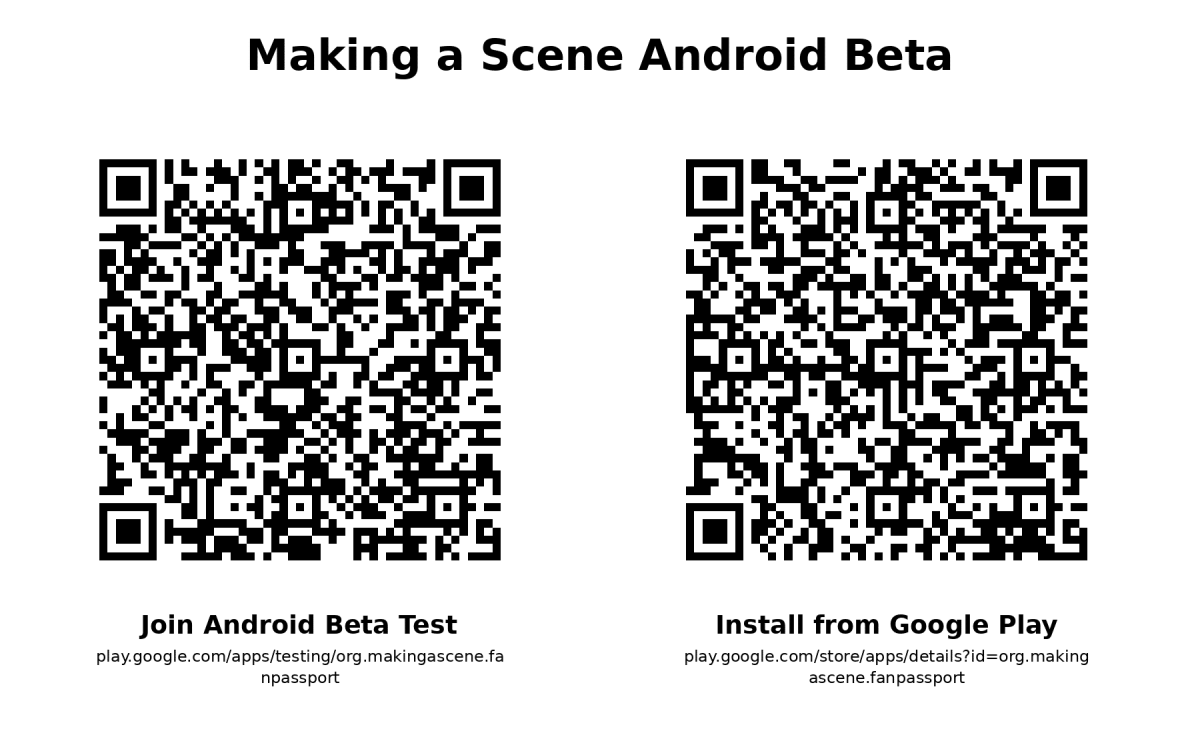
Open the following link while signed into your approved Google account:
https://play.google.com/apps/testing/org.makingascene.fanpassport
Select the option to become a tester or join the test.
After joining, Google Play should confirm that you are now participating in the Making a Scene Fan Passport App beta.
Install the App
Once you have joined the test, open the Google Play Store listing:
https://play.google.com/store/apps/details?id=org.makingascene.fanpassport
Select “Install.”
When the installation is complete, open the app and begin testing.
It may take a few minutes for Google Play to recognize that you joined the beta. If the Install button does not appear immediately, close and reopen the Play Store or return to the app listing after a few minutes.
Test the Main App Features
Please use the app during at least three separate testing sessions rather than opening it once and calling it a day.
During your testing, please explore as many of the following features as possible:
Create a new account or sign into an existing account.
Find and follow an artist.
Switch between artists you follow.
Open your Fan Passport and confirm that the selected artist’s information appears correctly.
View artist shows, posts, rewards, stamps, and available Fan Passport activity.
Change your notification or profile preferences.
Close the app completely, reopen it, and confirm that your selected artist and account information remain correct.
Use the app on both Wi-Fi and a mobile connection when possible.
Watch for screens that load slowly, buttons that do not work, outdated information, missing content, confusing instructions, freezes, crashes, or anything that simply does not behave as expected.
Report What You Find
Please make notes while testing. Helpful feedback explains:
What you were trying to do.
Which screen or feature you were using.
What you expected to happen.
What actually happened.
Whether the problem happened again when you repeated the same steps.
Your phone manufacturer, phone model, and Android version.
Screenshots or screen recordings are especially helpful, but please do not include passwords, verification codes, payment information, private messages, or other sensitive information.
Submit your final feedback using the Beta Test Completion Report:
https://www.makingascene.org/beta-complete
Receive Six Months of Pro Access
Beta testers who complete the required testing and submit a usable Beta Test Completion Report will receive six months of Making a Scene Pro access for one eligible artist account.
Installing the app by itself does not complete the beta test. The Pro-access reward will be issued after your testing participation and completion report have been verified.
Please use the email connected to your Making a Scene Artist Ecosystem account when completing the final report. If you do not yet have an account, the form will provide instructions for creating one.
Having Trouble Getting Access?
First, confirm that the Google Play Store is signed into the same Google account that you submitted for the beta.
Then return to the beta opt-in page:
https://play.google.com/apps/testing/org.makingascene.fanpassport
Confirm that the page says you are a tester. After that, reopen the Play Store listing:
https://play.google.com/store/apps/details?id=org.makingascene.fanpassport
If the app is still unavailable, reply to this email with your name, Google account email, phone model, and a screenshot of the message shown by Google Play.
Thank you for helping us build a stronger artist-owned ecosystem where independent musicians can control their music, fan relationships, data, and revenue.
Richard L’Hommedieu
Publisher, Making a Scene
https://www.makingascene.org
https://www.masfanpassport.app |